How To Dark Mode Fb Android
Apr 11, 2020 · once you’ve turned on the new facebook interface, click on the down arrow in the top-right corner to open your account menu. you can then toggle the “dark mode” option to activate the setting. if you want to revert to light mode, you can turn off dark mode by following these same instructions. Facebook dark mode for ios and android. facebook is also testing a new design for android, which also offers a dark mode option. again, this feature is currently available to a group of testers. If the dark mode is available, you will be able to enable it from the app menu. here’s how to enable the dark mode on facebook android app in 2020. first of all, download the latest version of the facebook app from the play store. open the how to dark mode fb android facebook app and login with your account. Dark mode is already available in facebook messenger. to activate it, simply tap your profile picture, then tap the 'dark mode' switch. we anticipate a full facebook dark mode for ios, ipados and.

How To Activate Dark Mode For Facebook For Android Ios And
Facebook dark mode for ios and android facebook is also testing a new design for android, which also offers a dark mode option. again, this feature is currently available to a group of testers. Once you’ve turned on the new facebook interface, click on the down arrow in the top-right corner to open your account menu. you can then toggle the “dark mode” option to activate the setting. if you want to revert to light mode, you can turn off dark mode by following these same instructions.
Jul 03, 2019 · enable facebook dark mode for android. if you need to activate facebook dark mode for android, you must install maki: facebook and messenger third-party app. after download and install the app, you should enter your facebook username and password to open the app. how to dark mode fb android now follow the steps below to enable dark mode on android. Segelintir pengguna ipad dan iphone mendapat mode gelap di aplikasi facebook. tampilannya. Nov 05, 2018 · about : the android guy dk is a youtube channel, where you will find android tricks videos in urdu/hindi, new video is posted everyday :) facebook dark theme android loading.
How To Enable Dark Mode On Facebook Desktop

. Facebook dark theme or night mode on facebook turn your facebook app to completely black or dark mode. in this video i'll show you how to enable dark theme on facebook app android. 11 mei 2020 fitur dark mode atau mode gelap di facebook kini bisa diterapkan di aplikasi mobile dan desktop. how to dark mode fb android See more videos for how to dark mode fb android.
Steps to enable dark mode on facebook android app: first of all, download the latest version of the facebook app from the play store. open the facebook app and login with your account. next, tap on the ‘settings & privacy’ option. under the settings option, find the dark mode button. if you don’t. Enable facebook dark mode for android. if you need to activate facebook dark mode for android, you must install maki: facebook and messenger third-party app. after download and install the app, you should enter your facebook username and password to open the app. now follow the steps below to enable dark mode on android.
Facebook Is Introducing A Dark Mode For Mobile The Verge
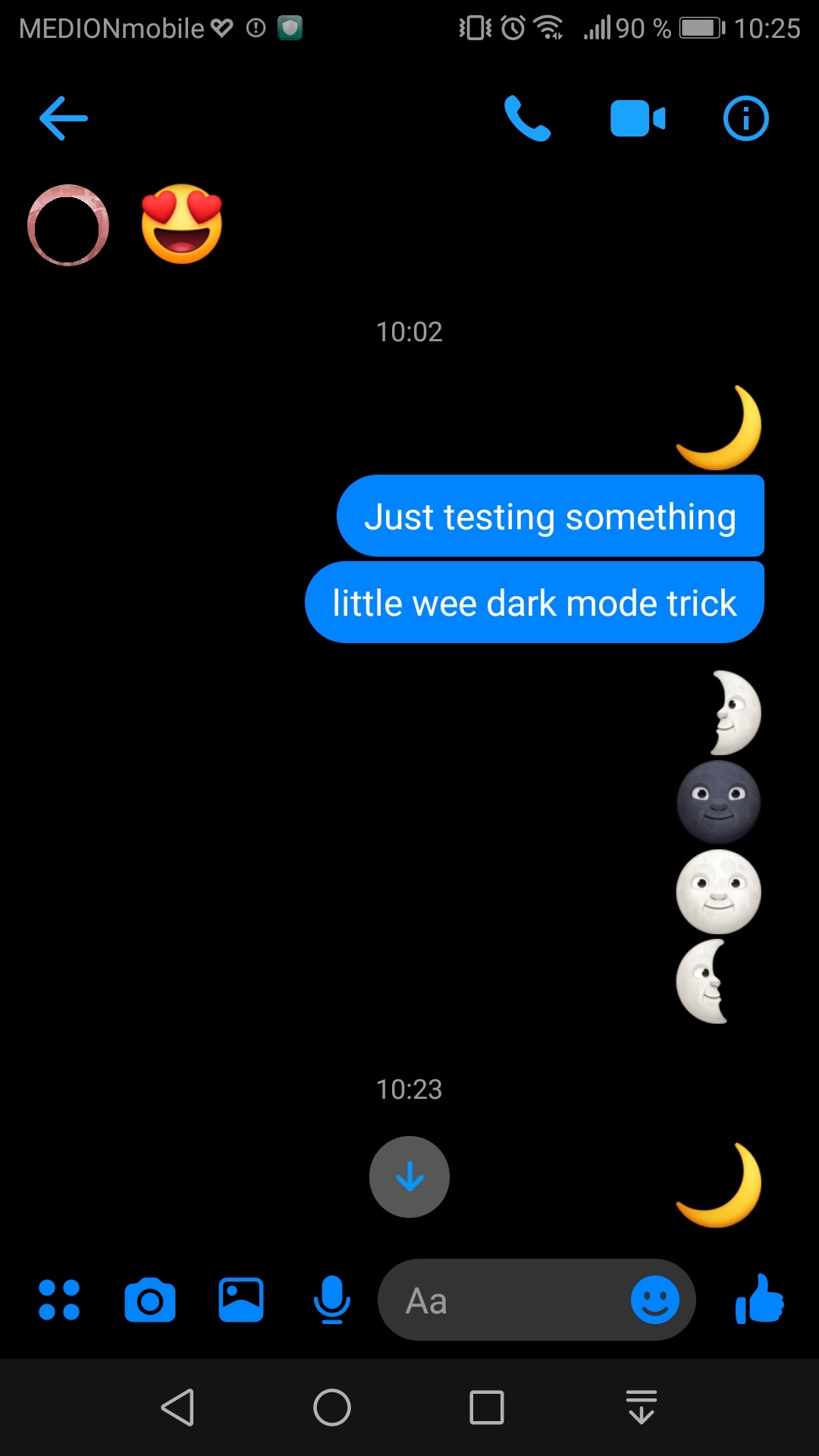
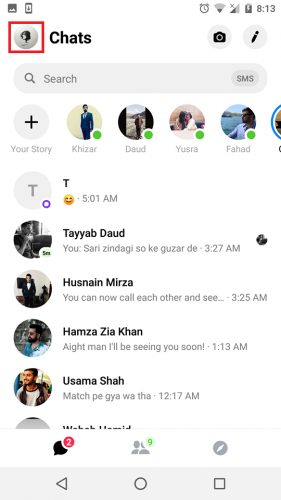
To activate it, simply tap your profile picture, then tap the 'dark mode' switch. we anticipate a full facebook dark mode for ios, ipados and android will arrive soon, and we'll keep you updated. 22 mar 2020 instagram resmi @android. ilustrasi dark facebook dark mode atau mode gelap how to dark mode fb android resmi diluncurkan secara luas mulai jumat (20/3/2020).
How To Enable Dark Mode On Facebook Android App
7 apr 2020 merdeka. com aplikasi media sosial facebook akhirnya memperkenalkan fitur mdoe gelap untuk versi desktop di platform besutannya . Facebook for android starts showing hints for a dark mode. different users prefer dark modes for different reasons; some want it for because apps with darker backgrounds are easier on the eyes. Jan 22, 2020 · facebook's dark mode on android starts showing up for some (update: testing for more users) rita el khoury. while we shared with you early news of dark mode testing last fall, it was clear.
In the menu, you will find the dark mode option. here, you can move the slider for the same option to the on position. doing this will enable dark mode for facebook. must read how to enable dark mode in facebook messenger. this will instantly activate the facebook dark theme. 2 apr 2020 fitur dark mode di facebook untuk versi web atau desktop sebenarnya tampilan mode gelap atau dark mode facebook versi web (desktop) ini baru bisa setelah whatsapp, dark mode bakal hadir . Instructions for android method 1 wait for the official update. this could sound redundant, but it's just as true for android as it is for ios. method 2 force-enable dark mode (android 10 & higher). if your smartphone is running android 10 or higher, you have the method 3 use the facebook lite. 3. in the menu, you will find the dark mode option. here, you can move the slider for the same option to the on position. doing this will enable dark mode for facebook. must read how to enable dark mode in facebook messenger. this will instantly activate the facebook dark theme. this is how facebook looks like when you enable the dark mode:.
Preview of the dark mode for facebook by night eye updated 20. 03. 2020 facebook has been rolling out its new design that offers built-in dark mode (check our guide here the new facebook design (desktop) is here + built in dark mode). you can still use night eye as a way to control the mode of your facebook thanks to the deep integration feature. if you prefer the old facebook design and would. The long-awaited dark mode feature on facebook is finally out! the new dark mode feature has already been embedded how to dark mode fb android in the web version of the app and plans are underway to include it in the ios and android versions of facebook. however, some android beta users are already enjoying the dark mode feature on facebook. the dark mode is already working on the android version of facebook lite, which.
Jul 06, 2020 · steps to enable dark mode on facebook android app: as of now, we haven’t yet received the dark mode support on the facebook mobile app. if the dark mode is available, you will be able to enable it from the app menu. here’s how to enable the dark mode on facebook android app in 2020. Mar 21, 2020 · 3. in the menu, you will find the dark mode option. here, you can move the slider for the same option to the on position. doing this will enable dark mode for facebook. must read how to enable dark mode in facebook messenger. this will instantly activate the facebook dark theme. this is how facebook looks like when you enable the dark mode:. To activate the dark mode on android’s facebook lite: download and install the latest version of the app on your phone; launch the app and log in with your credentials; once logged in, navigate to the settings menu; scroll downwards to find the dark mode option. tap the toggle button to activate the dark mode. facebook lite’s interface will automatically turn to dark mode; dark mode on facebook for android 10 users. the latest android version (android 10) supports the dark mode feature. 9 jun 2020 facebook dark mode for ios and android. facebook is also testing a new design for android, which also offers a dark mode option. again, this .


Komentar
Posting Komentar